
Signs of Life System Requirements: PC, Linux and Performance
Signs of Life PC and Linux system requirements, plus practical performance advice for large worlds, co-op hosting and older laptops.
Signs of Life needs a dual-core 2 GHz CPU, 2 GB of RAM, OpenGL 3.0 and 1 GB of storage. The recommended memory is 4 GB. Almost any PC from the last decade should launch it.
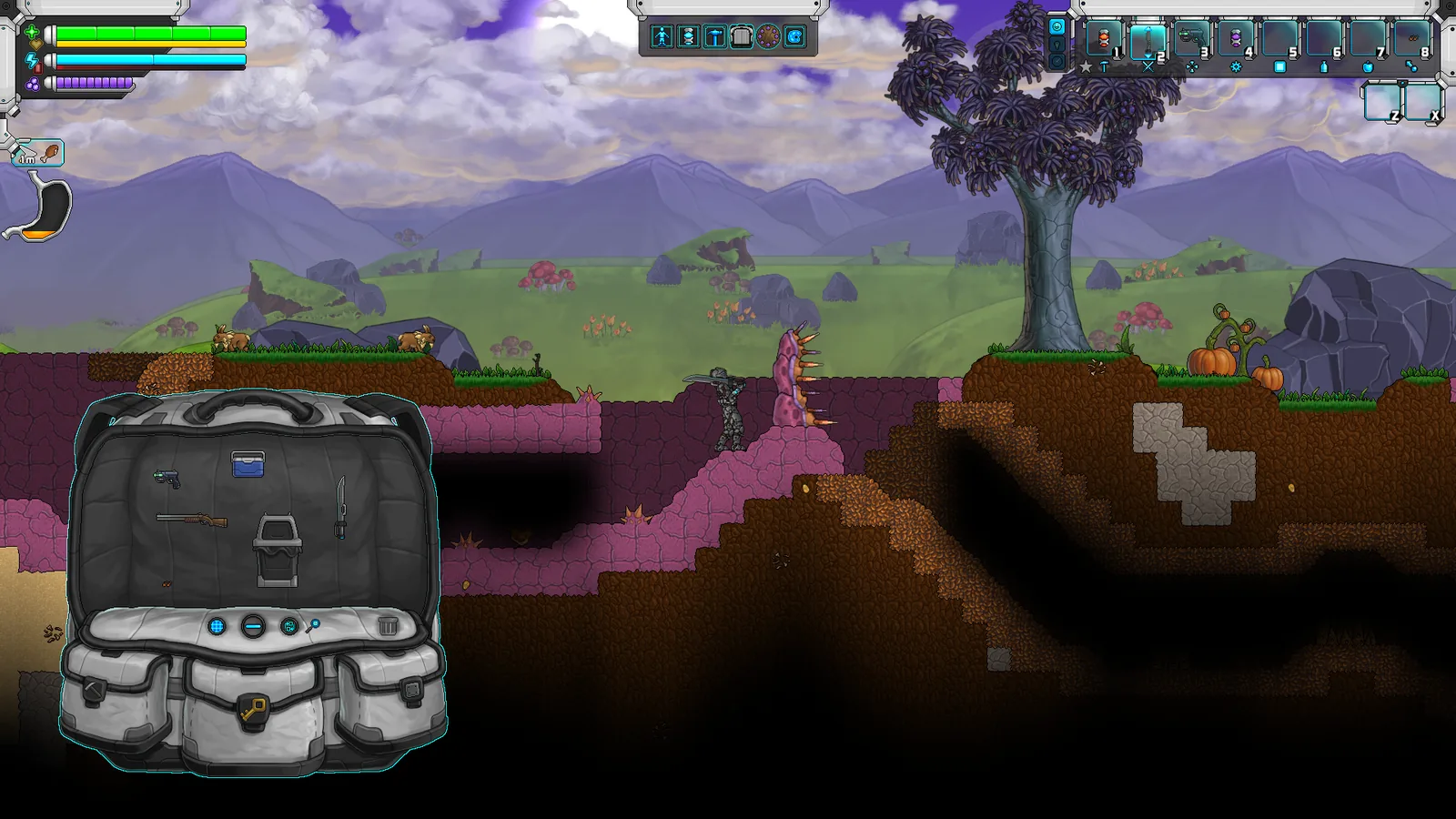
Signs of Life is not a hardware showcase. It is a pixel-art sandbox with procedural worlds, and its listed requirements are deliberately modest. That does not mean every machine will run a large colony smoothly, but it does mean you probably do not need an upgrade to try it.
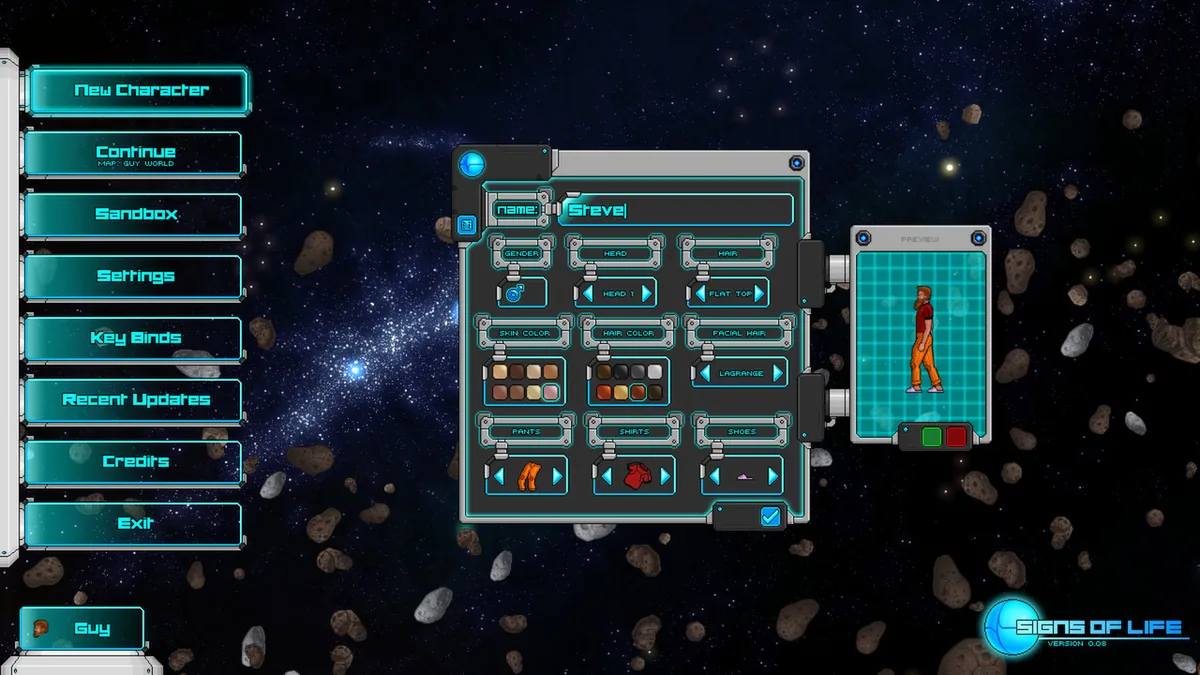
A modest machine can run the game; the settings matter more.
Official minimum requirements
The Steam store lists the following for Windows:
- OS: Windows 10
- Processor: dual-core 2.0 GHz
- Memory: 2 GB RAM
- Graphics: OpenGL 3.0 capable
- Storage: 1 GB available space
The recommended memory is 4 GB RAM. The store does not list a specific GPU model, which is unusual but consistent with the game's OpenGL renderer. If your GPU supports OpenGL 3.0, it is probably enough to launch.
Linux support
Signs of Life ships with a Linux build. The store's system requirements are listed for Windows, and the Linux build uses the same OpenGL renderer. If you are on Linux, make sure your graphics driver exposes a modern OpenGL context; Mesa drivers on Intel and AMD hardware generally do.
The game is not Steam Deck Verified as of this writing. That does not mean it will not run, but do not buy it expecting a verified handheld experience.
What actually affects performance
The listed requirements tell you whether the game will start. They do not tell you whether a 40-hour colony will run well. The variables that matter most are:
World size
New characters can choose Small, Medium or Large worlds. A smaller world generates fewer chunks and reduces the amount of terrain the game has to track. If you are on a low-end laptop, choose Small. You can still reach every story location; the world is dense rather than empty.
Colony size
The post-game colony adds colonists, rooms, jobs and Pneumail storage. A large colony with many active rooms is heavier than a solo base. If performance drops after you start recruiting colonists, reduce the number of active rooms or assign fewer simultaneous jobs.
Co-op hosting
The host does the simulation work. If you are the host, your machine is also the server. A player who can run the game solo may still feel input delay when hosting three friends on a large world. For co-op, choose a smaller world and a host with the best single-core performance.
Background applications
The game is not demanding, but it is a sandbox that benefits from RAM. Close browser tabs before a long building session on a 4 GB machine. On 8 GB or more, this is rarely an issue.
How to improve performance
- Lower the world size at character creation. This is the biggest single lever and cannot be changed later without a new world.
- Separate world scale and UI scale. 1.0 split these settings. Lower the world scale before lowering the UI scale; the interface is harder to read when shrunk.
- Reduce the number of lights and active machines. Large rooms with many lights and stations cost more than empty rooms.
- Host co-op on the strongest machine. The host is the server, so a weak host makes everyone lag.
- Update graphics drivers. OpenGL 3.0 is old, but drivers still matter for stability.
- Verify game files after a crash. Steam's file verification fixes most launch failures caused by partial updates.
What to do if the game will not launch
- Check that your GPU supports OpenGL 3.0. Integrated graphics from before 2010 may not.
- Update the driver. On Windows, use the vendor's tool rather than Windows Update.
- Launch the game once without mods. A broken mod is the most common cause of a black screen after the logo.
- Check the game's install folder for a crash log. The Steam community forums are the fastest place to compare logs with other players.
- On Linux, check that your Mesa or proprietary driver is installed and that
glxinforeports an OpenGL 3.0 context.
Is 2 GB RAM enough?
For a small world and a solo base, yes. For a medium world with a large base, co-op and a browser open in the background, no. 4 GB is the realistic floor for comfortable play, and 8 GB gives you room for Discord and a browser.
The game's minimum is honest, but minimum is not the same as comfortable. If you are buying a used office PC for this game, check that it has at least 4 GB and a CPU with two real cores rather than two threads.
Does the game support cloud saves?
Yes. Steam Cloud is listed on the store page. Cloud sync is convenient for moving between machines, but it can also overwrite a local save if two machines disagree. Before a long session, close the game on the other machine and let Steam finish syncing.
For co-op hosts, the world save lives on the host's machine. Cloud saves do not turn a host into a dedicated server; if the host is offline, nobody can join.
Should you buy the Steam version?
Yes, if you want the simplest install and automatic updates. The official site links to Steam, and the game is not sold as a separate standalone build. The Steam version also gives you the Workshop and mod support that ships with 1.0.
The review→ covers whether the game is worth your time, and the co-op guide→ explains the host requirements in more detail.
Official source: Signs of Life Steam store page system requirements and feature list, checked 10 November 2026.
Sources and further reading
- Signs of Life on Steam ↗ - official system requirements
- Official Signs of Life site ↗ - game overview and support contact
- Steam community discussions ↗ - player reports on performance and launch issues
- 1.0 release announcement ↗ - current build information
FAQ
Can my laptop run Signs of Life?
If it has a dual-core 2 GHz CPU, 2 GB of RAM and OpenGL 3.0 support, it should launch. For comfortable play, 4 GB of RAM and a small world are recommended.
Does Signs of Life run on Linux?
Yes, a Linux build is available on Steam. You need a driver with OpenGL 3.0 support.
Is 1 GB of storage accurate?
The store lists 1 GB available space. Updates and saves add to that, so leave a little headroom.
Is Signs of Life on Steam Deck?
It is not Steam Deck Verified as of 10 November 2026. It may run through Proton, but that is not an officially supported guarantee.
Related Signs of Life Guides
Our Signs of Life 1.0 review: a deep survival sandbox with a real ending, strong co-op and a steep learning curve, now at a lower price.
A complete Signs of Life guide for 1.0: first-hour route, base building, crafting, co-op, Xenoid story and the post-game colony.
Fix Signs of Life co-op problems: version mismatch, mod errors, Steam invites, host visibility, connection drops and save sync issues.
Every major Signs of Life 1.0 change: the ending, Xenoid cities, colony management, rebalanced gear, controls and co-op fixes.
The Signs of Life achievement list with global unlock rates, the gemologist chain, the joke achievements and a practical completion route.
How the Signs of Life alien language works: scan inscriptions, build understanding, unlock Xenoid dialogue and extract seven archive records with AGIS.
More Signs of Life Guides
How armor works in Signs of Life, the best early and late sets, Ghost Hide and Energy Plate bonuses, mining suits and co-op gear priorities.
Automate a Signs of Life base with turrets, Pneumail shared storage, drone accessories and post-game colonist jobs, without wasting power.
How base building works in Signs of Life: valid room sizes, walls, doors, lighting, station layout and the mistakes that waste materials.
Choosing a Signs of Life base location: ore access, flat ground, biome hazards, story travel and the best spots for a first or late-game base.
Practical Signs of Life tips for new players: scan everything, manage stamina, build one good room, and avoid the early base traps.
A tour of Signs of Life biomes: grasslands, purple alien terrain, caves, ruins, Xenoid cities and the late-game New Earth areas.
The major Signs of Life boss fights, the order to attempt them, gear checks and arena tips, plus a pointer to the Buff Mechington Mk2 strategy.
How to beat Buff Mechington Mk2 in Signs of Life: the glowing weak points, head-tail-chest order, the three-second chest window and co-op tactics.