
Signs of Life Co-op Guide: Hosting, Joining and Roles
How Signs of Life co-op works: Steam friend hosting, drop-in play, character transfer, shared storage, PvP settings and role splits for two players.
The host owns the world and must be online. Friends join through Steam and bring their own character. There are no dedicated servers.
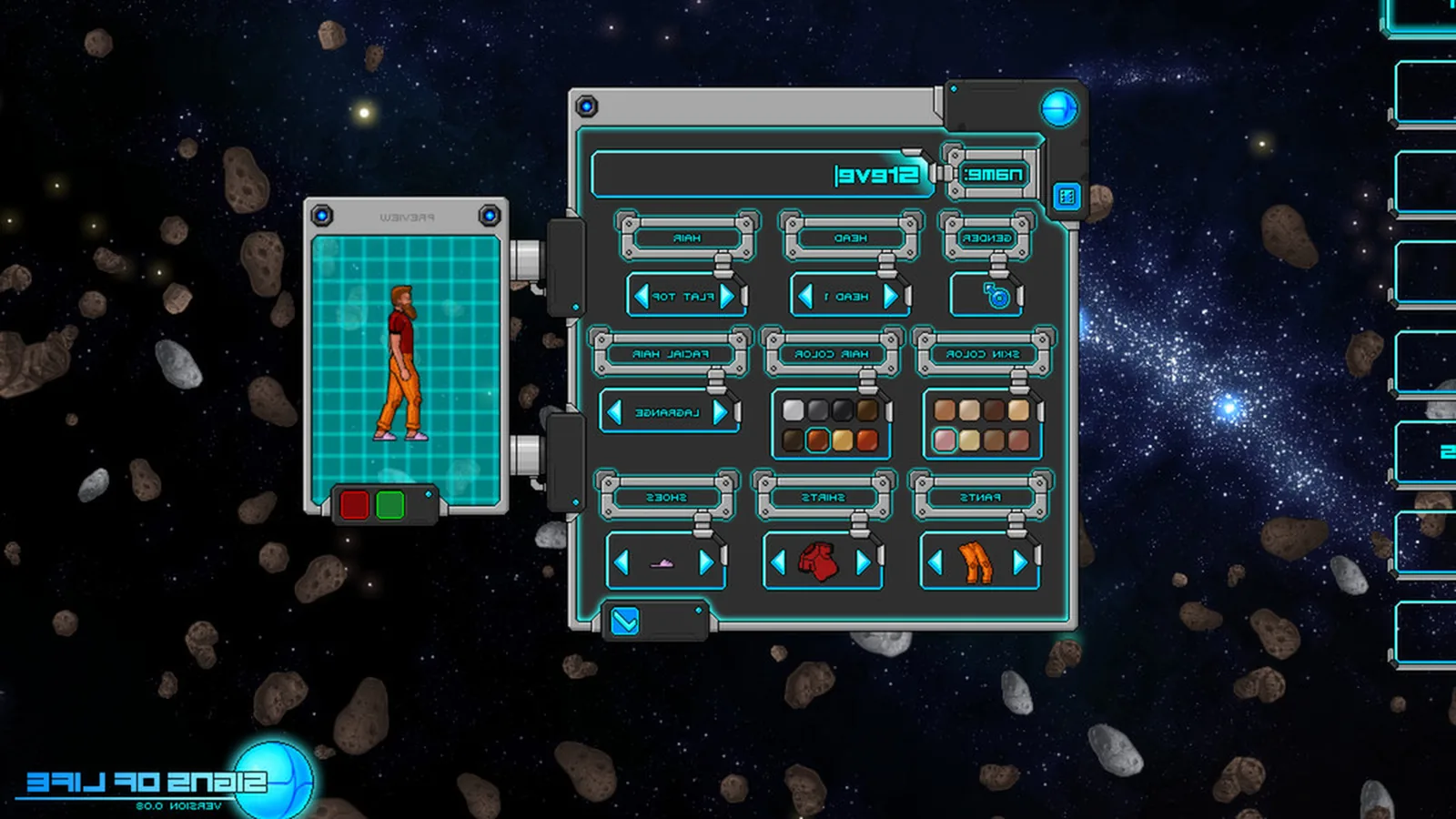
Signs of Life is fully playable solo, but the game is built for drop-in co-op. A second player can join a host's world, bring their own character and help with mining, building, crafting or fighting. The model is simple, and that simplicity is both its strength and its limitation.
This guide covers how to start, how to split roles, and the rules that keep a shared world from turning into a storage argument.
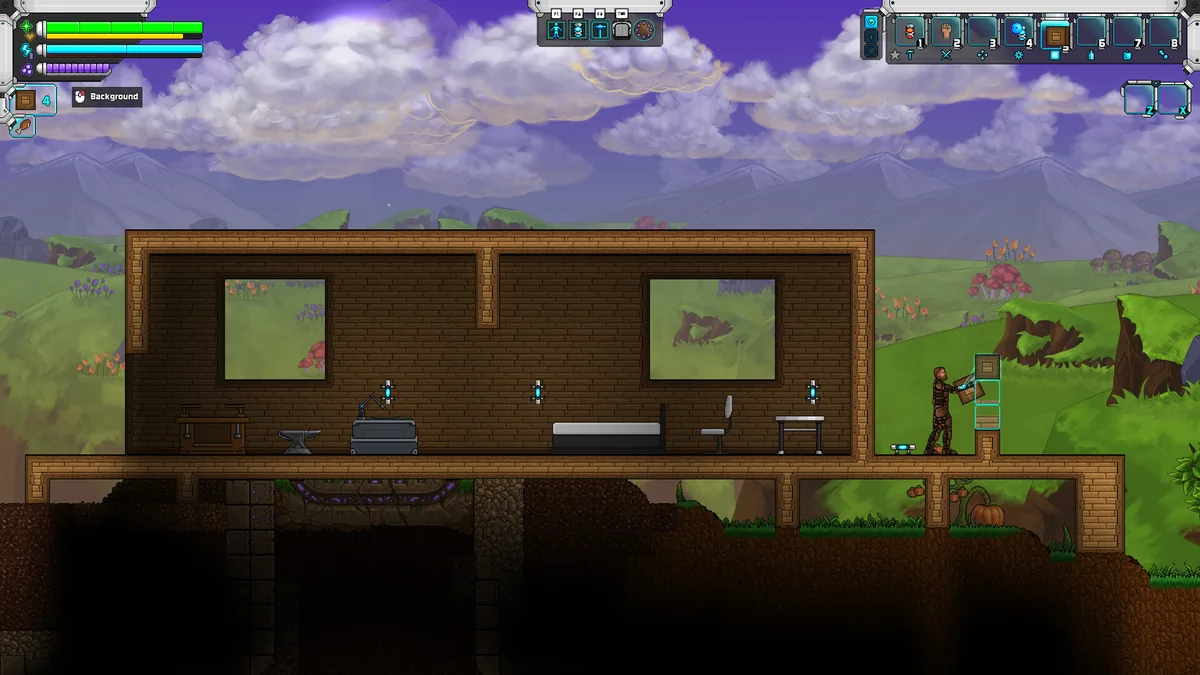
A co-op base needs separate beds, storage and roles.
How co-op works
- One player creates or loads a world and hosts it.
- The host invites a Steam friend, or the friend joins through the Steam overlay.
- The joining player selects their own character.
- Both players share the host's world: terrain, buildings, containers, doors and progression.
- When the host saves, the world state is saved.
The host must be online for anyone to play. If the host quits, the session ends. There is no dedicated server and no way to transfer a world to another host.
What carries over
Your character carries over between sessions. Your inventory, equipment and personal progression belong to you. The world belongs to the host.
That means a friend can join a new world with a geared character and skip the early grind. It also means a friend cannot take the host's world home. If the group wants a new host, they need a new world.
Before you start
- Same version. Everyone must run the same game version. After a patch, update before joining.
- Same mods. If the host uses mods, every player needs the same mods installed.
- Steam friends. The invitation flow uses Steam. Make sure the host and players are friends and online.
- A host schedule. Agree on who hosts and when. A shared base in a world nobody can open is not a shared base.
- A base plan. Decide where the first room goes before either player builds.
Role splits that work
Miner and builder
One player focuses on ore, stone and cave exploration. The other builds rooms, stations and storage. The miner feeds the builder, and the builder gives the miner a place to dump ore.
This is the best split for a first co-op run. It keeps both players productive without competing for the same resources.
Fighter and crafter
One player pushes combat and story locations. The other runs the workshop, ammunition and food. The fighter brings back alien materials and datapads; the crafter turns them into gear.
This split works well after the first boss, when combat gear starts to matter.
Explorer and base manager
One player maps biomes, finds ruins and marks resources. The other manages the base, power and storage. The explorer's scans fill the MEG for both players.
This is a slower, more relaxed split. It suits players who enjoy different parts of the game.
Shared storage rules
Shared containers are convenient, but they need rules:
- Raw materials are shared.
- Personal weapons and armour are not.
- Ammunition is produced in batches.
- One player owns the smelting queue.
- Label chests by production stage.
- Use Pneumail for colony output, not personal gear.
If a player needs a stack of iron for a personal project, ask first. The host's world is the only copy of that base.
PvP and friendly fire
The host controls friendly fire through the Prevent Friendly Fire setting:
- Yes: friendly fire is disabled. Use this for a normal co-op run.
- No: players can damage each other. Use this only if you want PvP.
The setting is host-side. Agree on it before the session starts. Accidentally leaving PvP on during a mining trip is a quick way to lose a friend.
Progression and story
Both players share the host's world progression. Story flags, scanned entries and unlocked locations are stored in the world. A joining player who has not completed the story can experience it in the host's world, but their own save will not advance.
For the ending, both players should be present. Update 27 fixed the co-op ending, but it is still a sequence you want to experience together.
Base design for two players
A co-op base needs more space than a solo base:
- Two beds, or two bedrooms, so respawns are convenient.
- A wider workshop with two crafting stations.
- Separate chests for each player's personal gear.
- A clear entrance that a returning player can find at night.
- A power room that both players can access.
The room validation rules still apply. A room needs 8 by 4 tiles, background walls, a bed, a door or hatch and a working light. Build two valid rooms rather than one giant invalid hall.
What to do when the host is offline
Nothing in the shared world can progress. You can play your own single-player world, but the co-op base is frozen. This is the main limitation of the host-owned model.
If your group needs a persistent world, Signs of Life is not the right game for that. If you are happy to schedule sessions, it works well.
Host checklist
- Update the game.
- Check mods and share the list.
- Load the world and confirm the base is intact.
- Set Prevent Friendly Fire.
- Invite friends through Steam.
- Confirm everyone can see the shared containers.
- Save before logging off.
The multiplayer fixes guide→ covers connection errors, version mismatches and mod problems. The beginner tips→ cover the first-hour route if one player is new.
Official source: Official Signs of Life multiplayer page, Steam store features and Update 27 co-op patch notes, checked 10 November 2026.
Sources and further reading
- Official multiplayer page ↗ - host and join rules
- Steam store page ↗ - co-op feature list
- Update 27 patch notes ↗ - co-op fixes
- 1.0 release announcement ↗ - current build
FAQ
Does Signs of Life have dedicated servers?
No. One player hosts the world and must be online for others to join.
Can I bring my character into a friend's world?
Yes. You select your own character when joining. Your gear and personal progression carry over; the world belongs to the host.
Does co-op require the same mods?
Yes. If the host uses mods, every player must install the same mods.
Can we turn off friendly fire?
Yes. The host can set Prevent Friendly Fire to Yes for normal co-op.
Related Signs of Life Guides
Fix Signs of Life co-op problems: version mismatch, mod errors, Steam invites, host visibility, connection drops and save sync issues.
Practical Signs of Life tips for new players: scan everything, manage stamina, build one good room, and avoid the early base traps.
How base building works in Signs of Life: valid room sizes, walls, doors, lighting, station layout and the mistakes that waste materials.
Every major Signs of Life 1.0 change: the ending, Xenoid cities, colony management, rebalanced gear, controls and co-op fixes.
The Signs of Life achievement list with global unlock rates, the gemologist chain, the joke achievements and a practical completion route.
How the Signs of Life alien language works: scan inscriptions, build understanding, unlock Xenoid dialogue and extract seven archive records with AGIS.
More Signs of Life Guides
How armor works in Signs of Life, the best early and late sets, Ghost Hide and Energy Plate bonuses, mining suits and co-op gear priorities.
Automate a Signs of Life base with turrets, Pneumail shared storage, drone accessories and post-game colonist jobs, without wasting power.
Choosing a Signs of Life base location: ore access, flat ground, biome hazards, story travel and the best spots for a first or late-game base.
A tour of Signs of Life biomes: grasslands, purple alien terrain, caves, ruins, Xenoid cities and the late-game New Earth areas.
The major Signs of Life boss fights, the order to attempt them, gear checks and arena tips, plus a pointer to the Buff Mechington Mk2 strategy.
How to beat Buff Mechington Mk2 in Signs of Life: the glowing weak points, head-tail-chest order, the three-second chest window and co-op tactics.
How the Signs of Life colony works: Pioneer Station computer, room requirements, colonist jobs, Pneumail storage and new-world requirements.
A Signs of Life crafting guide: work table tiers, furnace upgrades, hammer requirements, recipe chains and how to organise production.