
Signs of Life Mods: Support, Installs and Co-op Rules
How modding works in Signs of Life after the Update 26 overhaul, how to install and troubleshoot mods, and the rules for playing modded co-op.
The old Early Access mod workflow is not the current one. Check that a mod was updated for 1.0 before you install it.
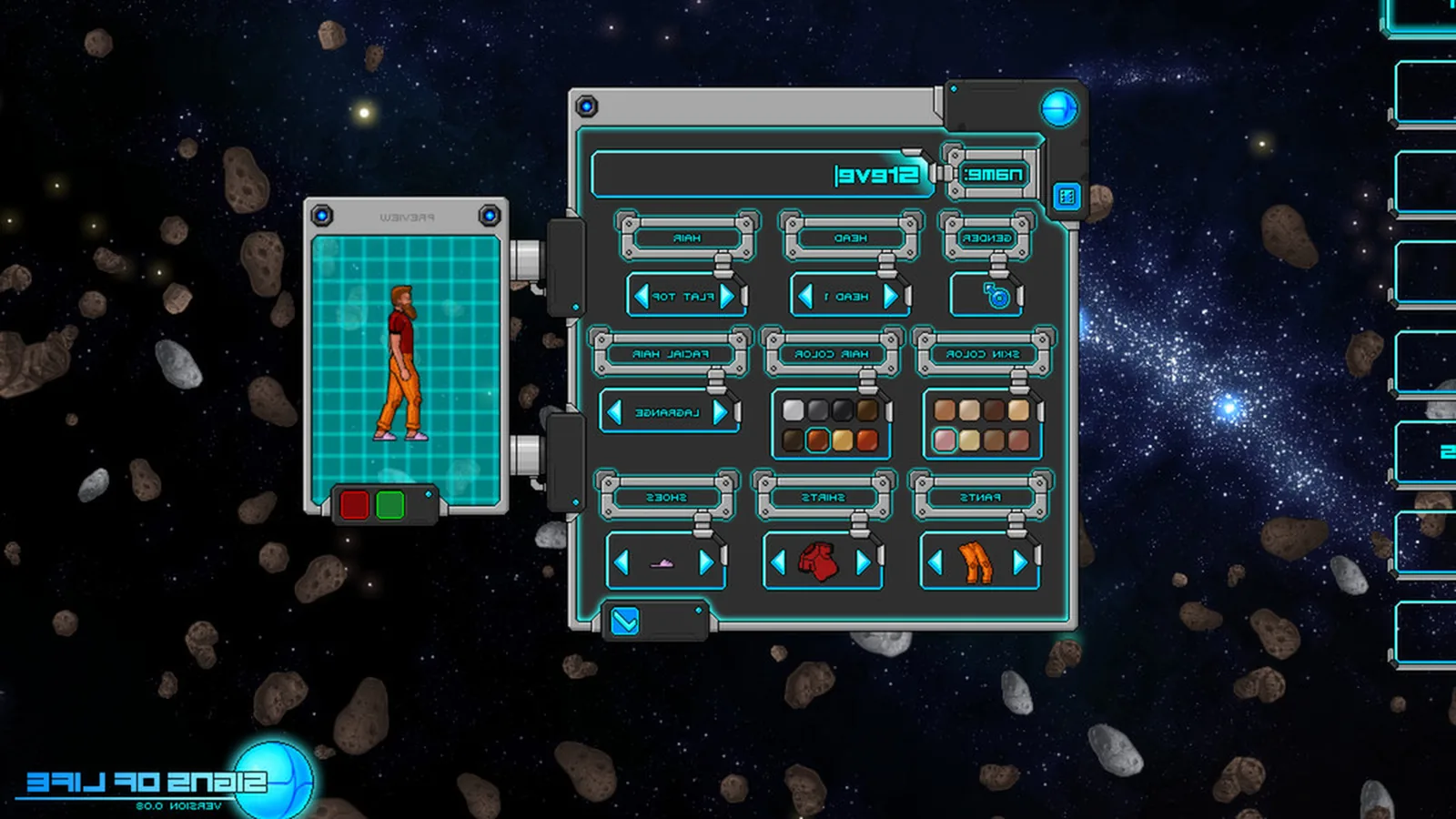
Signs of Life has official mod support. Update 26 described a major modding overhaul, and the official site publishes data-driven wiki pages generated from the game's own content. That makes the game unusually friendly to recipe, item and worldgen mods, but it also means old mods can break hard after a version change.
This guide covers what modding looks like in 1.0, how to install mods safely, how to troubleshoot a broken setup and the rules for modded co-op.
Test mods in a fresh world before loading a long-lived save.
What modding can change
Signs of Life's data-driven structure supports mods that:
- Add or change recipes.
- Add items, weapons or armour.
- Adjust world generation.
- Change UI behaviour.
- Add quality-of-life features.
- Rebalance creatures or drops.
The official wiki's recipe and item pages are generated from the same data, which is why the site has 1,268 recipes and 421 structures. A mod that edits that data can have wide effects.
Before you install anything
- Back up your world save. Mods can corrupt a save, and 1.0 is still receiving patches.
- Check the mod's game version. A mod built for an older Update may load but behave unpredictably.
- Read the mod's dependencies. Some mods require a framework or a specific loader version.
- Start a test world. Do not install five mods into your 100-hour colony and hope.
- Note your current build. If a patch lands, you need to know what changed.
How to install mods
The exact folder and loader instructions are published in the official modding documentation at playsignsoflife.com/wiki ↗. The general workflow is:
- Download the mod from its official source.
- Read the install instructions for the current game version.
- Place the mod files in the directory the documentation specifies.
- Enable the mod in the game's mod menu, if it has one.
- Launch a test world.
- Verify the mod's content appears.
- Only then load your main world.
Do not trust a random reupload. Use the mod author's page or the official documentation.
The 1.0 compatibility problem
1.0 is a major release after a long Early Access period. Mods that worked in the last Early Access build may not work now. Symptoms include:
- The game fails to launch.
- A save loads with missing items.
- Recipes disappear.
- Creatures behave incorrectly.
- The UI breaks.
- Co-op clients disconnect.
If a mod has not been updated since before 1.0, assume it is broken until proven otherwise.
Troubleshooting
The game will not launch
Disable all mods, then launch. If the game works, enable mods one at a time. The first one that breaks the launch is the culprit.
A save will not load
Remove the most recently added mod and restore a backup. Do not keep loading a save that throws errors; you may make it worse.
Items are missing
A mod that changes item IDs can orphan items in an existing save. Check the mod's changelog for save compatibility notes.
Co-op clients disconnect
Both players must run the same mods and the same game version. A host with mods and a client without them will fail.
Performance dropped
Worldgen and creature mods are the usual suspects. Disable them in a test world and compare.
Modded co-op rules
Signs of Life co-op is host-based: one player opens the world, and friends join through Steam. There are no dedicated servers.
For modded co-op:
- The host's mod list is the world's mod list.
- Every client must install the same mods.
- Every client must use the same game version.
- A client with extra mods may fail to join or may desync.
- If the host updates a mod, clients must update too.
- Back up the world before changing the mod list.
The multiplayer fixes guide→ covers connection problems, and the co-op guide→ covers roles and world rules.
Recommended mod categories
Quality of life
Inventory sorting, clearer tooltips, better map markers and UI tweaks. These are the safest first mods because they rarely touch save data.
Recipe and crafting
Recipe viewers and bulk-crafting helpers. Useful in a game with 1,268 recipes, but check that the mod reads the current data format.
Worldgen
New biomes, structures and ore distributions. These have the biggest impact on saves and co-op compatibility. Test in a fresh world.
Content
New weapons, creatures and items. Fun, but the most likely to conflict with other mods and future patches.
Difficulty and balance
Creature health, drop rates and damage tweaks. Use these after you have played the vanilla game; they can hide the design of the original fights.
A safe modding routine
- Finish the vanilla story once.
- Back up the world.
- Install one QoL mod.
- Play a session.
- Add one content mod.
- Test a fresh world.
- Only then add worldgen mods.
- Keep a vanilla save for troubleshooting.
This routine is slower than subscribing to ten mods at once, but it keeps your colony alive.
What mods cannot fix
Mods are not a substitute for the game's design. They will not add dedicated servers, fix a bad connection or replace the co-op host requirement. They also will not make an undergeared character ready for the finale.
If you are stuck on a boss, the bosses guide→ is more useful than a damage mod.
Should you mod a first playthrough?
No. Play the 1.0 build as shipped at least once. The game's progression, the Xenoid story and the colony layer are balanced around the vanilla rules. Mods are best for a second run, a co-op world with friends or a specific project.
If you do mod a first run, stick to UI and quality-of-life mods. Leave worldgen and content mods for later.
The future of modding
Sweet Dog Studios says it will continue to support the game after 1.0 with bug fixes and updates. Every patch can break a mod. Before you update the game, check whether your essential mods have a compatible version.
The official wiki and modding documentation are the source of truth. Community mod pages are useful but often out of date.
Official source: Update 26 patch notes (modding overhaul), the official wiki and modding documentation, checked 10 November 2026. Installation paths are intentionally not hard-coded here because the official docs are the authority.
Sources and further reading
- Official wiki ↗ - data-driven item and recipe pages
- Update 26 patch notes ↗ - modding overhaul
- Official site ↗ - modding documentation
- Steam store page ↗ - game version
FAQ
Does Signs of Life support mods?
Yes. Update 26 overhauled modding, and the official wiki documents the data-driven content.
Do mods work in co-op?
Yes, if every player installs the same mods and the same game version. The host's world defines the mod list.
Will mods break my save?
They can. Back up the world before installing or removing mods, and test in a fresh world first.
Are old Early Access mods compatible with 1.0?
Not reliably. Check the mod's update date and changelog before installing it.
Related Signs of Life Guides
Fix Signs of Life co-op problems: version mismatch, mod errors, Steam invites, host visibility, connection drops and save sync issues.
A Signs of Life crafting guide: work table tiers, furnace upgrades, hammer requirements, recipe chains and how to organise production.
Every major Signs of Life 1.0 change: the ending, Xenoid cities, colony management, rebalanced gear, controls and co-op fixes.
The Signs of Life achievement list with global unlock rates, the gemologist chain, the joke achievements and a practical completion route.
How the Signs of Life alien language works: scan inscriptions, build understanding, unlock Xenoid dialogue and extract seven archive records with AGIS.
How armor works in Signs of Life, the best early and late sets, Ghost Hide and Energy Plate bonuses, mining suits and co-op gear priorities.
More Signs of Life Guides
Automate a Signs of Life base with turrets, Pneumail shared storage, drone accessories and post-game colonist jobs, without wasting power.
How base building works in Signs of Life: valid room sizes, walls, doors, lighting, station layout and the mistakes that waste materials.
Choosing a Signs of Life base location: ore access, flat ground, biome hazards, story travel and the best spots for a first or late-game base.
Practical Signs of Life tips for new players: scan everything, manage stamina, build one good room, and avoid the early base traps.
A tour of Signs of Life biomes: grasslands, purple alien terrain, caves, ruins, Xenoid cities and the late-game New Earth areas.
The major Signs of Life boss fights, the order to attempt them, gear checks and arena tips, plus a pointer to the Buff Mechington Mk2 strategy.
How to beat Buff Mechington Mk2 in Signs of Life: the glowing weak points, head-tail-chest order, the three-second chest window and co-op tactics.
How Signs of Life co-op works: Steam friend hosting, drop-in play, character transfer, shared storage, PvP settings and role splits for two players.